
12 Free AI Tools That Replace $200/Month in Subscriptions

Writer : Haris Waheed
Full Stack Web Developer & SEO Specialist | Building Fast, Search Optimized Websites for Business Growth.
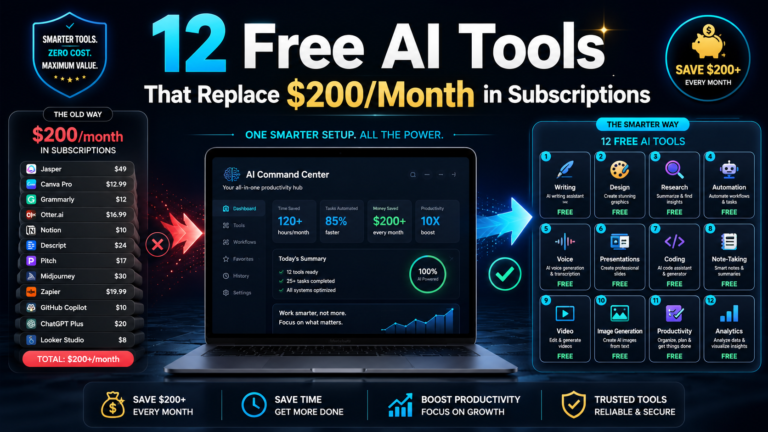
Hey, this is the Zynthx team. We’re not writing this as another generic “best AI tools” roundup copied from ten other blogs. We actually sat down last month, pulled our own invoices, and added up what we were paying for AI tools and software subscriptions across the studio. The number annoyed us enough to fix it.
This article walks through the twelve free AI tools we use every single day instead of paying for the full subscription stack, what they actually replace, where the free tier genuinely holds up, and where it quietly falls short. If you’re searching for free AI tools 2026, free alternatives to paid AI software, or the best free AI apps for small business and freelancers, this is the honest version of that list, not the SEO filler version.
Where the $200 a month number actually comes from
We didn’t invent this number for a catchy headline. We built it from real, current pricing on tools that most freelancers, small agencies, and solo creators end up paying for sooner or later.
Claude Pro runs $20 a month. Perplexity Pro is $20. A Notion AI add on is roughly $10 on top of a paid Notion plan. CapCut Pro sits around $10. Descript’s Creator plan is $24. Google’s NotebookLM Plus, bundled into the Google AI Pro tier, is $19.99. Otter Pro is $16.99. ElevenLabs Creator is about $22. Zapier Professional starts at $29.99. Canva Pro is $15. Ideogram Plus is $8. HubSpot’s AI powered CRM seat jumps to $20 once you’re past the free plan.
Add it up and you land at roughly $206 a month, for a single person. Multiply that across a small team and it stops being a rounding error, it becomes a real recurring cost on the company card.
Nobody signs up for a $206 monthly AI subscription bill on purpose. It happens the way software spend always happens, one free trial that quietly becomes a paid plan, repeated a dozen times over two years, until someone finally reads the statement properly. That someone was us, last month.
So here’s the free AI tool stack that replaced it, and the honest limits of each one.
1. Claude (free tier) instead of a paid AI writing assistant
For day to day writing, outlining, and working through a client brief, Claude’s free tier genuinely holds up as one of the best free AI writing tools available right now. Drafting emails, structuring proposals, summarizing long documents, none of that needs a paid plan.
Where it breaks down: long research sessions and large document uploads hit the free usage cap fast, and you’ll get bumped to a slower model mid conversation. If Claude is your daily driver for client work, the paid plan earns its keep. If you’re using generative AI for content occasionally, free is enough. Our Uses of AI Training Program covers exactly how to get the most out of tools like this without needing every paid feature.
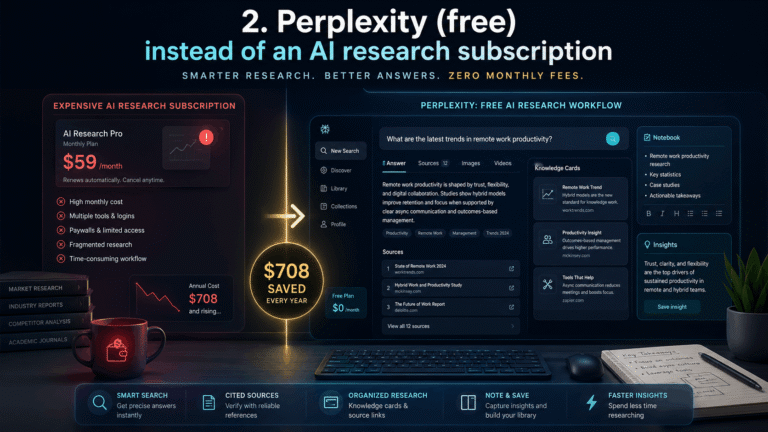
2. Perplexity (free) instead of an AI research subscription
Free Perplexity does real time web search with citations, which is most of what people actually need an AI search engine for. It’s one of the best free AI research tools for quick, sourced answers instead of digging through ten browser tabs.
The paid tier adds more daily searches and stronger models for deep research. Heavy researchers will feel the ceiling. For competitor scans, quick fact checks, and content research, free covers it. This is a core part of the workflow we teach in our SEO Training Program.
3. Google NotebookLM (free) instead of the Pro tier
You upload your own documents, notes, or research and turn them into a source you can query in plain language, even as an audio summary. The free tier caps how many notebooks you can run at once, but for a single active project it’s genuinely enough.
We use it to turn stacks of client research into something we can query instead of re reading every time, a small but real productivity AI tool win.
4. Canva (free) instead of Canva Pro
Canva’s free plan covers templates, basic AI image tools, and limited background removal, plenty for social graphics, quick mockups, and internal decks. It remains one of the most searched free graphic design AI tools for a reason.
Canva Pro’s brand kit, unlimited background removal, and stronger AI image generation are worth it once you’re producing client facing visuals at real volume. For internal use, free is enough.
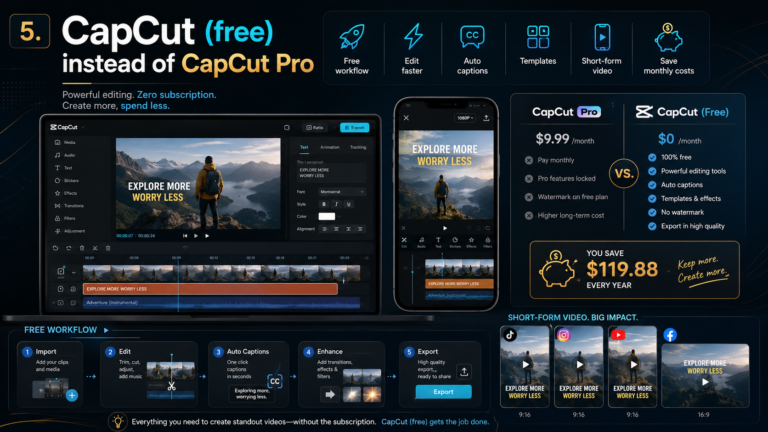
5. CapCut (free) instead of CapCut Pro
CapCut’s free version handles cutting, captions, and basic AI voice cleanup at decent export quality, making it one of the better free AI video editing tools for short form content. We rarely miss the paid tier for quick social edits.
The paid version unlocks premium effects and higher resolution exports on certain plans. For polished long form video published regularly, budget for it.
6. Otter.ai (free) instead of Otter Pro
Free Otter gives you a set number of transcription minutes a month, enough to transcribe a handful of client calls without paying anything. Transcription quality barely changes between free and paid, the difference is mostly volume and collaboration features.
Daily meeting transcription across a whole team will burn through free minutes fast. Occasional use, it’s solid.
7. Ideogram (free) instead of Ideogram Plus
For quick concept images, logo direction, and mockup visuals, Ideogram’s free tier is genuinely useful, and it’s noticeably strong at rendering readable text inside AI generated images, a common weak point for other image generators.
The paid tier adds more monthly generations and private generation, meaning your images stay off the public feed. If client confidentiality matters, that’s your upgrade trigger.
8. Zapier (free) instead of Zapier Professional
Zapier’s free plan caps you at a handful of active automations and a monthly task limit, but for one or two simple, high value automations, like routing form submissions into a CRM, it does the job at no cost. It’s a solid entry point into AI powered workflow automation before paying for anything.
Multi step workflows and higher task volume hit the wall fast. We handle our more complex automations separately and keep Zapier’s free tier for the simple, single trigger jobs. This is a core part of what we help clients build through our AI automation services.
9. HubSpot's free CRM tools instead of a paid AI sales seat
HubSpot’s free CRM tier includes basic AI assisted email drafting and simple lead scoring. It won’t replace a fully built out AI sales stack, but for a small team that just needs contact tracking and the occasional AI nudge on follow ups, it covers the basics with zero monthly seat cost.
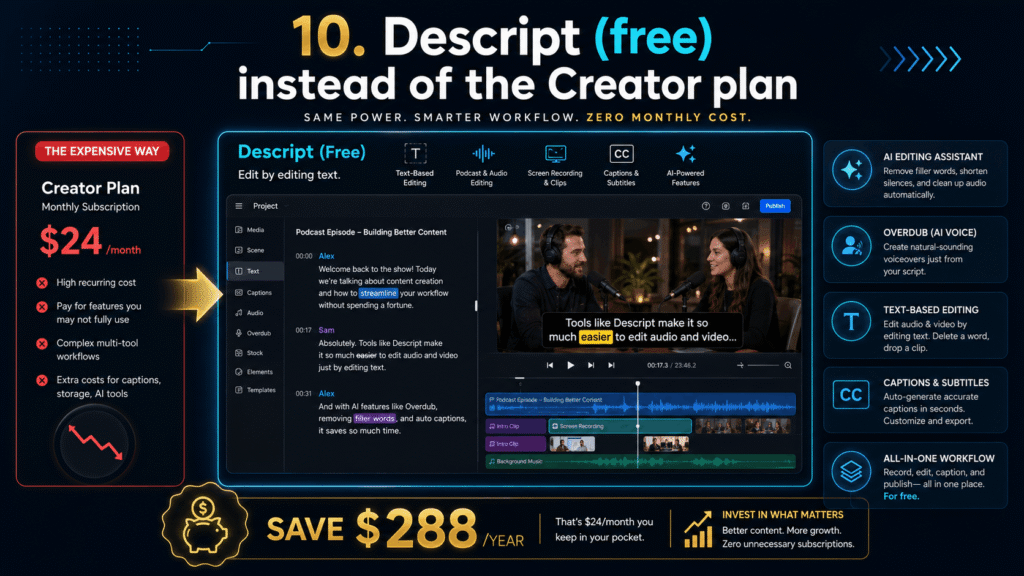
10. Descript (free) instead of the Creator plan
Descript’s free tier gives you a limited number of transcription hours and lets you edit audio and video by editing text, still one of the more genuinely impressive free AI editing tools out there. It’s great for cleaning up a rough recorded interview or podcast segment.
The paid plan removes the watermark on certain exports and adds significantly more transcription hours. Occasional editing, free covers it.
11. ElevenLabs (free) instead of the Creator plan
The free tier gives you a limited monthly character count for AI text to speech, enough to test voiceover options or prototype a voice for a client project before committing to a paid plan.
Regular voiceover production will burn through the free character limit within a couple of projects, a clear signal to upgrade.
12. GitHub Copilot's free tier instead of Copilot Pro
GitHub’s free Copilot tier now offers a genuinely usable monthly cap on AI code completions and chat requests, enough for smaller coding tasks and quick fixes without paying anything.
Heavy daily coding, especially with agentic features making multiple changes across a codebase, burns through the free allowance fast. Developers doing client work daily should be on the paid plan. Lighter, occasional coding can comfortably stay free. If you want to build real skill here rather than lean on AI blindly, our Python Programming Training Program and Web Development Training Program both build the fundamentals underneath tools like this.
What switching to free AI tools actually saves you
Swap all twelve tools for their free tiers and you go from roughly $206 a month down to $0, with the honest caveat that a few free tiers will start to pinch once your usage gets heavy or client facing. The point of this list isn’t “never pay for AI tools.” It’s knowing exactly which subscriptions are worth the upgrade and which ones you’ve been paying for out of habit rather than actual need.
For us, the tools worth paying for are the ones tied directly to client deliverables: Claude Pro for heavy client writing, Copilot Pro for our developers, ElevenLabs when we’re producing voiceover at volume. Everything else stays free until the limits genuinely get in the way.
Frequently asked questions about free AI tools
Are free AI tools actually good enough for business use? For most day to day tasks, yes. The free tiers of tools like Claude, Perplexity, and Canva cover real work. The limits usually show up around volume and advanced features, not core quality.
What’s the best free AI tool for small businesses in 2026? It depends on the task, but Claude for writing and research, Canva for design, and Zapier for simple automation cover the widest range of small business needs without a subscription.
Do free AI tools have usage limits? Yes, almost all of them. Free tiers typically cap the number of messages, generations, transcription minutes, or automations you can run each month. Once you hit that ceiling consistently, it’s usually the right moment to consider the paid plan.
Want help building this into an actual workflow?
Picking the right free AI tools is one thing. Turning them into a workflow that actually saves your business time and money is another. That’s the kind of practical, no fluff work we do with clients through our AI automation services and custom software development team.
If you’d rather build the skills yourself, Zynthx Academy runs hands on programs covering this territory in depth, including our Uses of AI Training Program, SEO Training Program, Digital Marketing Training Program, and Machine Learning Training Program. You can see examples of tools and workflows we’ve built for real clients in our portfolio.
We’ll keep this list updated as free tiers change, which happens more often than anyone would like. Follow our blog for the next version when it lands, or book a free consultation if you want to talk through your own AI tool stack with our team.
Let's Start a Project
Share your idea with Zynthx and our team will help you plan the next clear step.
Writer : Haris Waheed
Full Stack Web Developer & SEO Specialist | Building Fast, Search Optimized Websites for Business Growth.


